
👉 Immersiver RGBIC TV & PC LED-Hintergrundstreifen


👉 Immersiver RGBIC TV & PC LED-Hintergrundstreifen

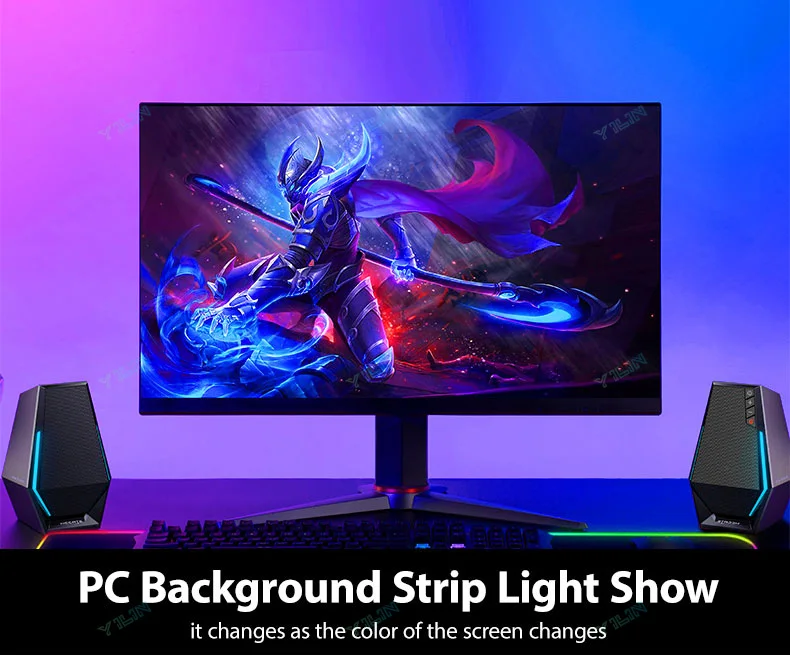
USE IT ON COMPUTER:
Connect everything well and set up capture area in Ambibox first. If everything is ok after testing, then you can stick the strip on the monitor and cut LED strip by demand.
Install and Ambibox set up guide:https://youtu.be/UAUyKvEt7aE
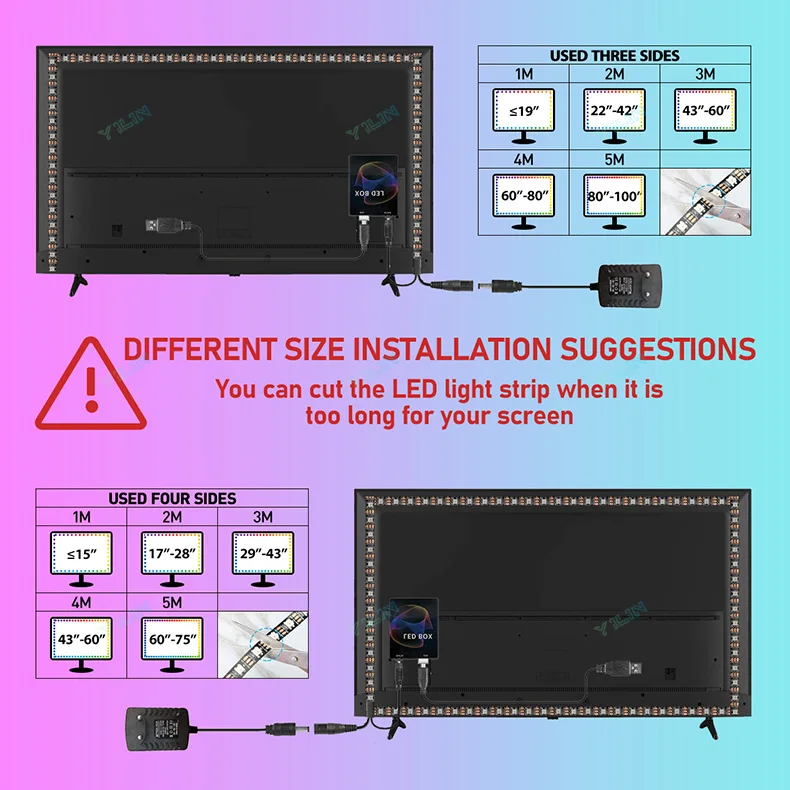
Step 1: Install LED light on your monitor
Step 2: Setting up the Ambibox Capture Software
2.1. Ambibox software(Shareware);
Download link:https://drive.google.com/file/d/1aR1z_wcBfGw2ixTBYI01CshD_q8RMxxc/view?usp=sharing
2.2. Run the Ambibox software, when installing, it recommends to use PlayClaw, I wouldn't recommend to using it.
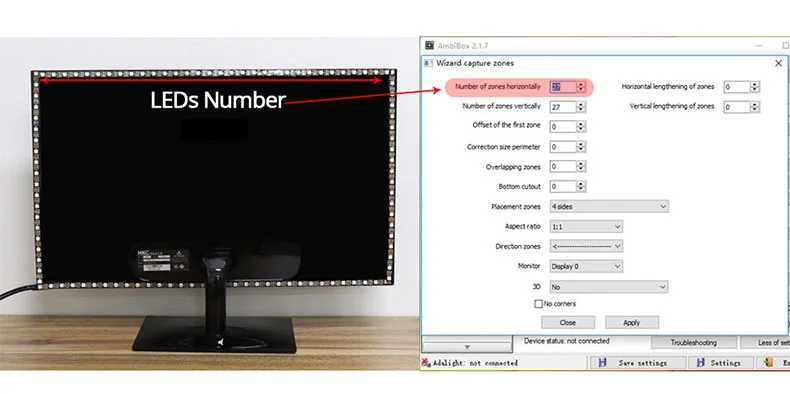
2.3. Select device and set this as "Adalight", under menu of "Intelligent backlight display", select the Port and the COM Port that your device has been detected. If select correctly, you can see Device Status: Connected, also down the bottom left it will say Adalight: connected. If cannot find USB driver/COM port, please download USB CH340: https://drive.google.com/file/d/1GS5FrjN5620I_RKJMOe5IAGNSqlke9jC/view?usp=sharing
2.4. Once you setted up, you can select the "Wizard capture zones" which will automatically generate all capture zones for you.
PRO TIPS: if you find your colours are washing out or seem very white rather than colourful, adjust your gamma settings, if you getting a white backlight on a pure black screen, increase the size of sample zones, It will take a bit of fine tuning but worth it!

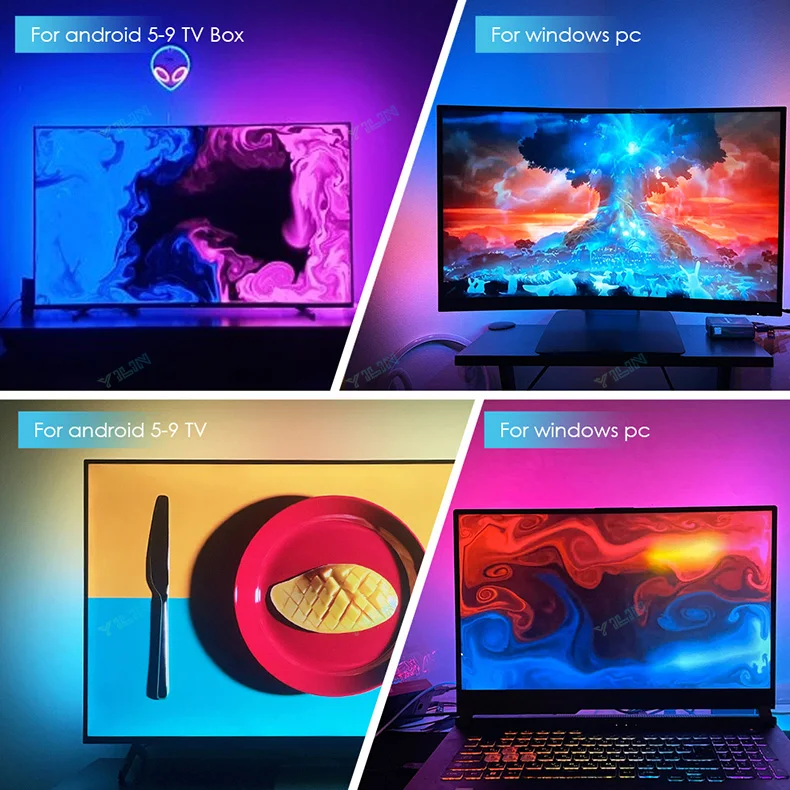
USE IT ON Android TV:
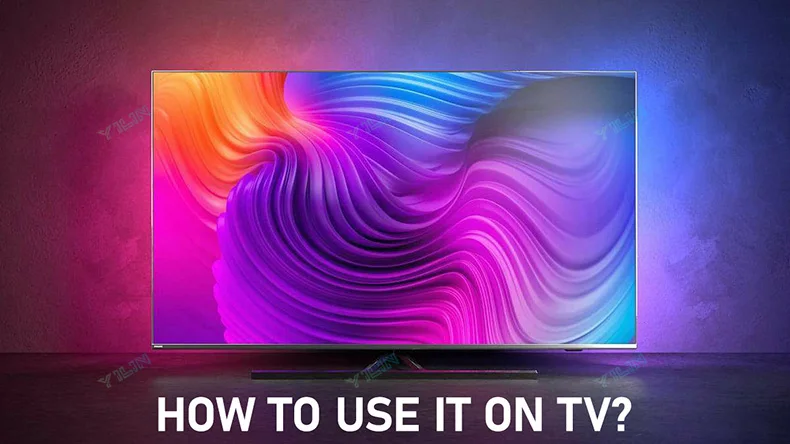
Operational procedures:
Step 1: Install LED strip light on your TV
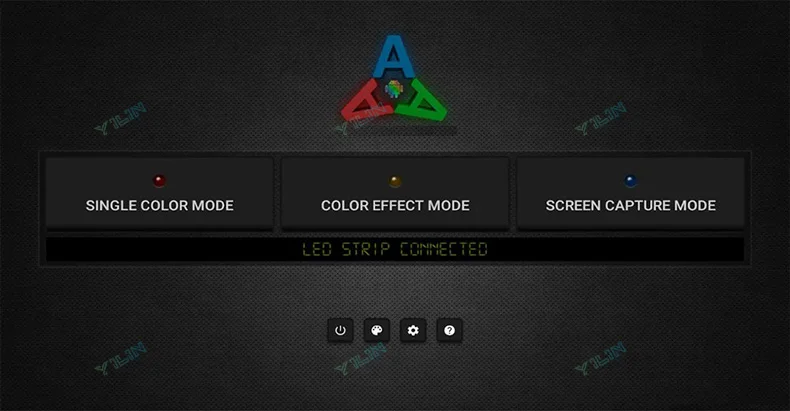
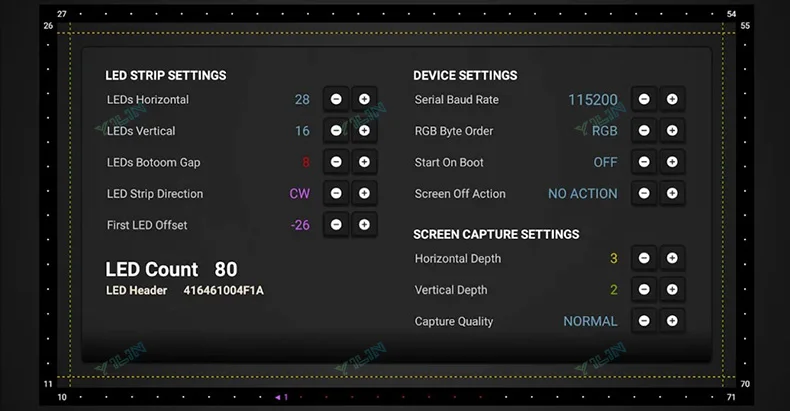
Step 2: Purchasing a Paid Software on Google Play: Ambient light
http://ambilight. tender-complex.ru/en/software_setup/
Needs: Android TV/TV boxs(Android 5. 1/6/7/8/9): 'Ambient light Application for Android' Paid software)
Note: Please confirm if your TV/TV boxcan run this app before purchasing.
(Or, the video signal of the computer is output to TV, TV as monitor.)
(Or, install or run Openelec/libreelec+Hyperion on your TV/TV box.)
The analog TV signal is not processed by the Android OS level, so the backlight application will not work with regular TV channels. The backlight works only with Android OS applications that do not use protected content. 4K performance depends only on your hardware.


Specification:
Voltage: DC5V
LED Type: SMD5050
IC Model: WS2812B
LED Quantity: 30/60 LEDS/m
Waterproof: IP30 not waterproof
Support:Windows, Android, Mac OS, Linux, Raspberry pi
Light color: RGB-IC (display multiple colors at the same time)
Control method: APP/physical buttons
Size:
1M For 17-22inch, 2M For 22-32inch
3M For 32-43inch, 4M For 43-60inch
5M For 60-80inch
Plug: EU/ US/ UK/ AU Plug
NOTE:
Except for Europe, plugs in other countries are European plugs + conversion plugs

